
Download gdi++.dll – font rendering, foreign characters, Japanese, multilingual, system utility, Windows
Overview
The gdi++.dll is a system utility designed to enhance the display of foreign characters, particularly those from complex writing systems such as Japanese. This dynamic link library file operates at the core level of the Windows operating system, improving how text is rendered on-screen. Its primary purpose is to address limitations in default font rendering, especially when displaying rare or non-Latin scripts. Users who frequently access multilingual websites or work with international content benefit significantly from the improved clarity and visual consistency provided by gdi++.dll.
The app is tailored for individuals who encounter difficulties reading foreign text due to pixelation, blurriness, or misalignment. This includes language learners, translators, researchers, and professionals working with global content. While the developer did not provide additional background information, the utility’s functionality suggests it was created to solve a specific technical challenge in Windows text display. Its relevance lies in bridging a gap in system-level rendering capabilities, making digital content more accessible across languages.
Although the developer did not list formal performance metrics, the utility is known to be lightweight, with a file size of 348 KB. It is designed to integrate seamlessly into existing Windows environments without requiring complex installation procedures. The tool is particularly valuable in scenarios where accurate font representation is essential for comprehension or professional accuracy.
Key Features & Functionality
- Enhanced Font Rendering: gdi++.dll improves the clarity and smoothness of foreign characters, especially complex scripts like Japanese kanji, by optimizing how glyphs are drawn on screen. This results in sharper, more readable text.
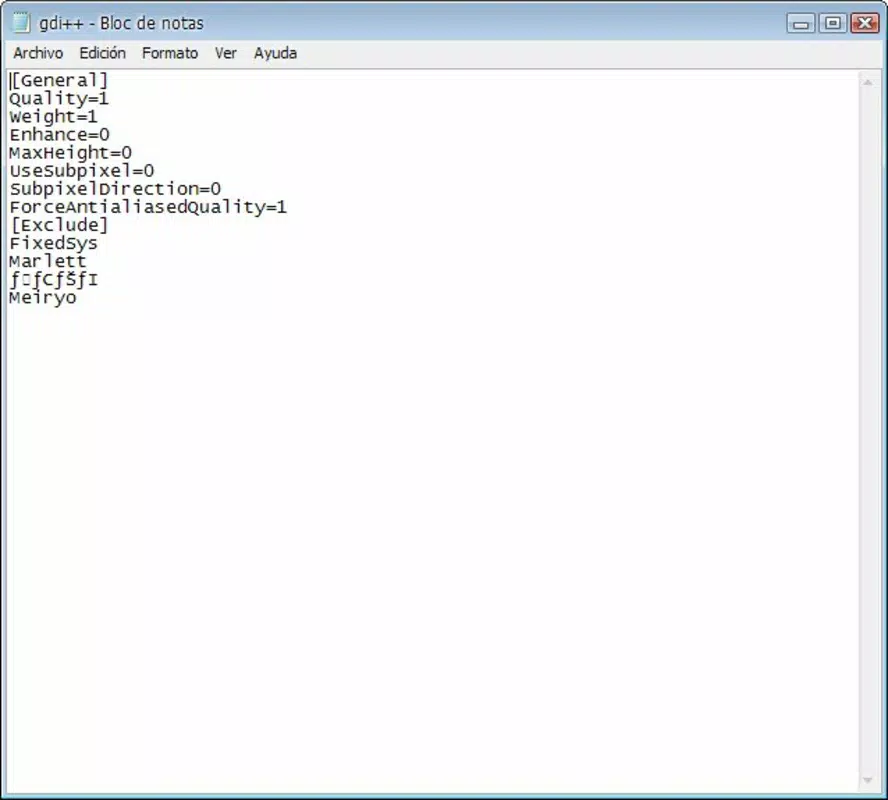
- Custom Configuration Options: Users can adjust parameters such as font size, width, and rendering quality. These settings allow for a personalized experience depending on display resolution, monitor type, or personal visual preference.
- Performance Balancing: The utility includes a built-in trade-off between visual quality and system performance. Higher rendering quality settings may increase CPU usage, so users are advised to test configurations to find an optimal balance.
- Targeted Multilingual Use: Designed specifically for users who regularly access content with rare or non-standard fonts, especially from Asian and other non-Latin language sources.
For example, a researcher studying Japanese historical documents may find that standard Windows rendering distorts subtle character details. With gdi++.dll, the same text appears clearer and more accurate, reducing eye strain and improving comprehension. Similarly, a web developer testing multilingual layouts can rely on more consistent visual output across different systems.
Interface, UX & Performance
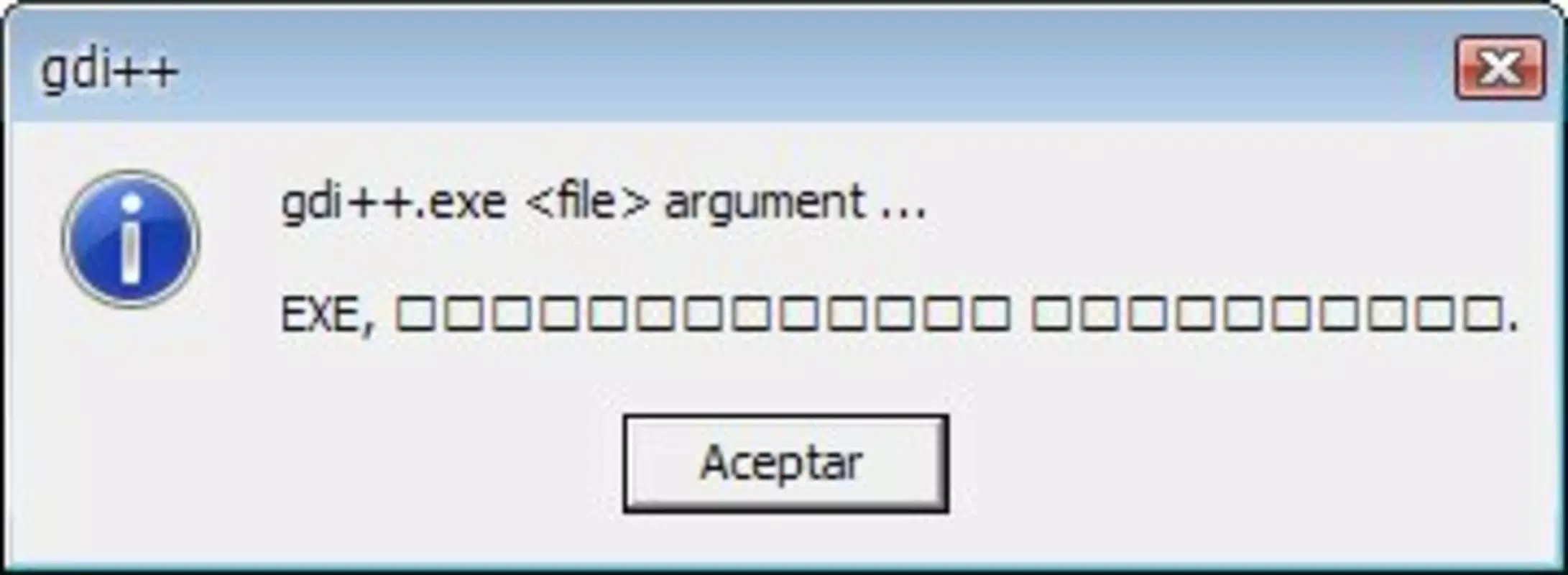
As a system-level DLL file, gdi++.dll does not feature a traditional user interface. Instead, it operates in the background, modifying how the Windows Graphics Device Interface (GDI) processes text. This means users interact with it indirectly through configuration files or third-party tools that manage its settings.
Navigation is not applicable in the conventional sense, as the utility does not include menus, buttons, or on-screen controls. However, its integration into the operating system is designed to be seamless and non-intrusive. Once configured, it runs silently without requiring user input during normal operation.
Although the developer did not list formal performance metrics, the lightweight nature of the file (348 KB) suggests minimal impact on system resources under normal use. The utility is expected to function across a wide range of Windows devices, from older machines to modern systems. Responsiveness and stability are maintained through direct integration with core OS components, reducing the risk of crashes or conflicts.
Platform Compatibility & Technical Requirements
gdi++.dll is designed for the Windows platform and is compatible with various versions of the Windows operating system. The specific minimum OS requirements were not listed by the developer, but given its release date in 2010, it is likely compatible with Windows XP and later versions.
The software version is 1.0, indicating a stable, finalized release. The file size is 348 KB, which is small and suitable for quick downloads and minimal storage use. No additional dependencies were mentioned, and the utility does not require administrative privileges to function, though configuration may require elevated access.
Compatibility information was not fully disclosed, so users should exercise caution when deploying the file on newer or specialized Windows environments. It is recommended to back up system settings before applying changes to font rendering.
Pros and Cons
Pros
- Improves readability of foreign scripts, especially Japanese and other complex languages.
- Offers customizable rendering settings for personalized user experience.
- Lightweight file size (348 KB) ensures minimal system impact.
- Free to download and use, making it accessible for all users.
- Designed for seamless integration into existing Windows environments.
Cons
- Lacks a graphical user interface; configuration requires technical knowledge.
- Higher quality settings may degrade system performance.
- Developer did not specify compatibility with all Windows versions.
- Not suitable for users unfamiliar with system-level file modifications.
- Changes to font rendering may affect some applications unpredictably.
FAQ
Is gdi++.dll safe to install on my Windows system?
Yes, gdi++.dll is a legitimate system utility designed to improve font rendering. However, as with any system-level file, it should be downloaded from trusted sources to avoid malware.
Can I use gdi++.dll on Windows 11?
While the developer did not specify compatibility with Windows 11, the utility is likely functional on newer Windows versions, given its foundational role in GDI rendering. Users should test it carefully.
Do I need administrator rights to install gdi++.dll?
Installation typically does not require administrative privileges, but configuring the file may require elevated access depending on the method used.
How do I configure gdi++.dll if there’s no interface?
Configuration is done through external tools or by editing configuration files. Users must refer to documentation or community guides for setup instructions.
Will gdi++.dll affect my system performance?
Higher rendering quality settings may increase CPU usage. It is recommended to use moderate settings to maintain optimal performance.
Final Thoughts
gdi++.dll stands out as a specialized tool for users who demand high-quality text rendering in multilingual environments. Its ability to enhance the display of foreign characters, especially Japanese, makes it a valuable asset for professionals, researchers, and language enthusiasts. Despite its lack of a GUI and the need for technical setup, its lightweight design and free availability offer strong value.
While not suitable for casual users, those who work with international content will find this utility indispensable. The balance between visual clarity and system performance is well-managed, provided users make informed configuration choices.
Download gdi++.dll now


